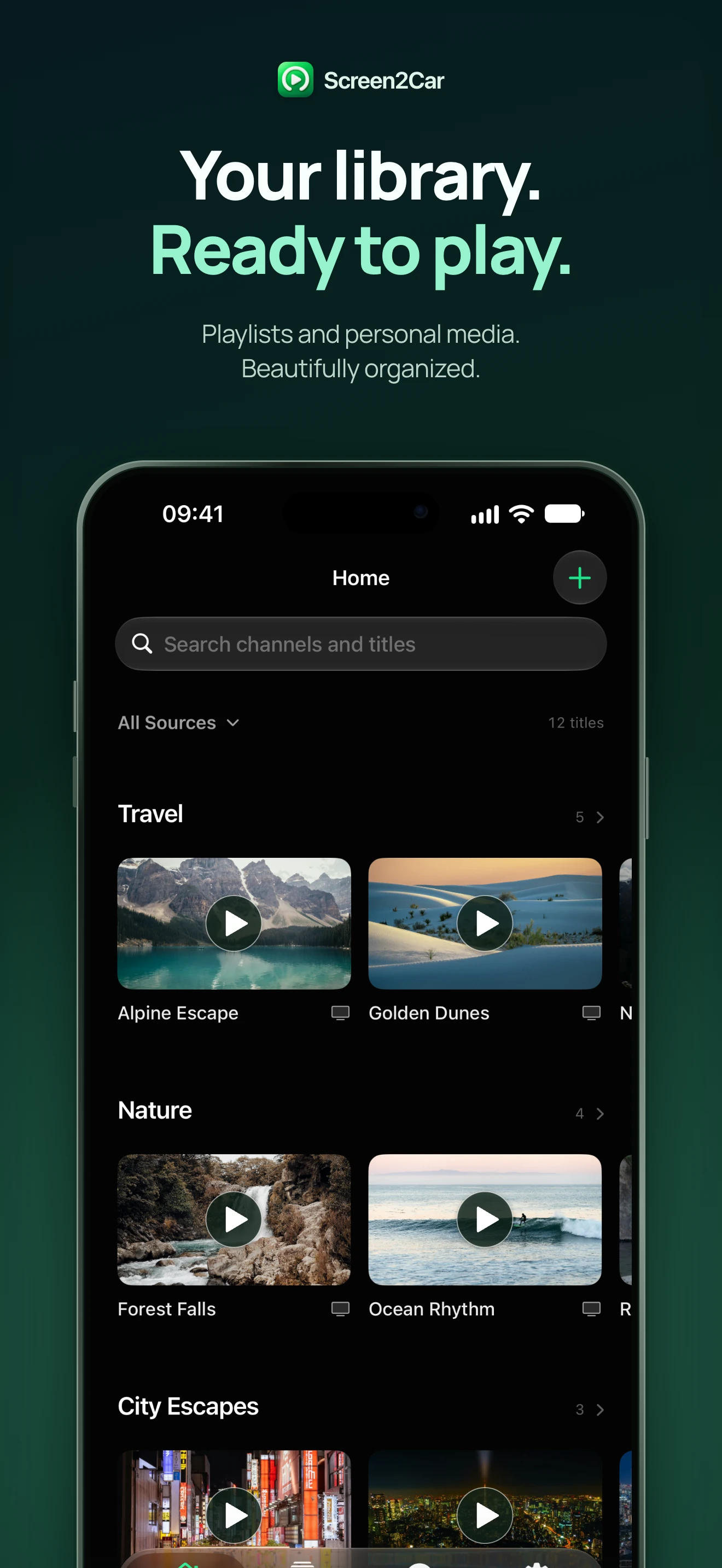
Playlists, without the clutter
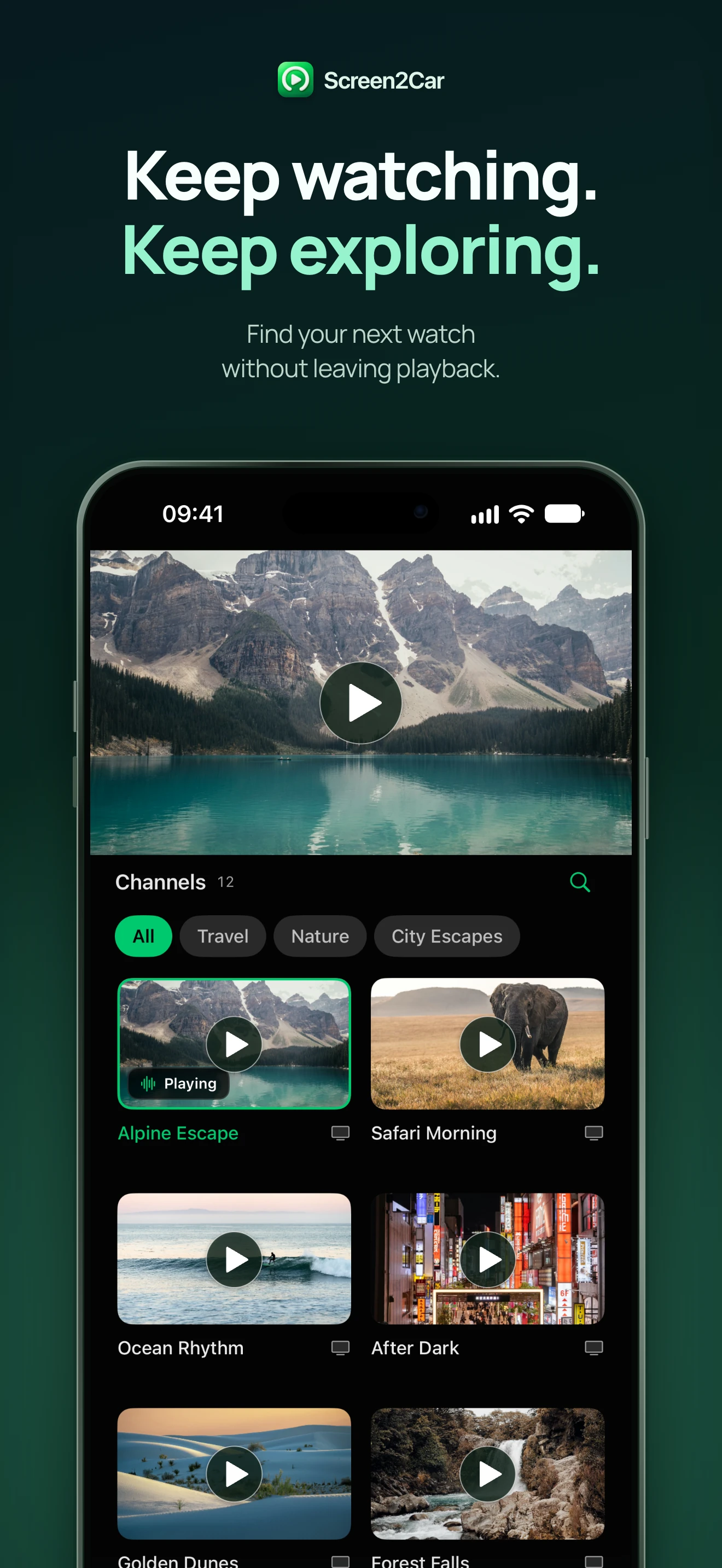
Add M3U or M3U8 links and Xtream accounts. Find your channels by group, search or favorites.
M3UM3U8Xtream
MADE FOR IPHONE & CARPLAY
Your playlists, home media servers and local videos, together in one player. Enjoy them on a bigger screen while parked.
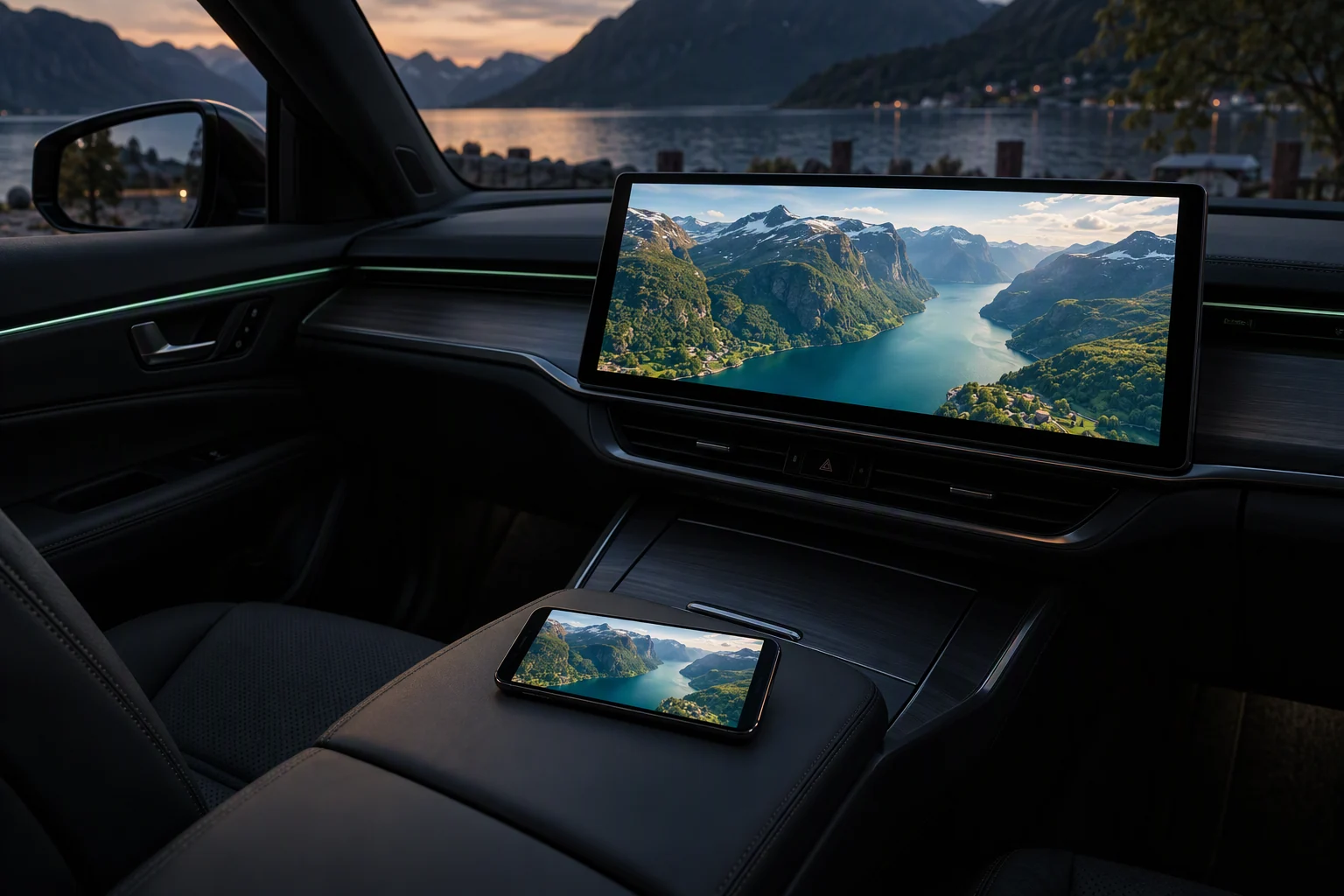
From a playlist link to your personal film collection, make yourself at home.
Add M3U or M3U8 links and Xtream accounts. Find your channels by group, search or favorites.
Cast supported media or mirror your iPhone to a compatible display. Choose the connection that fits your content.
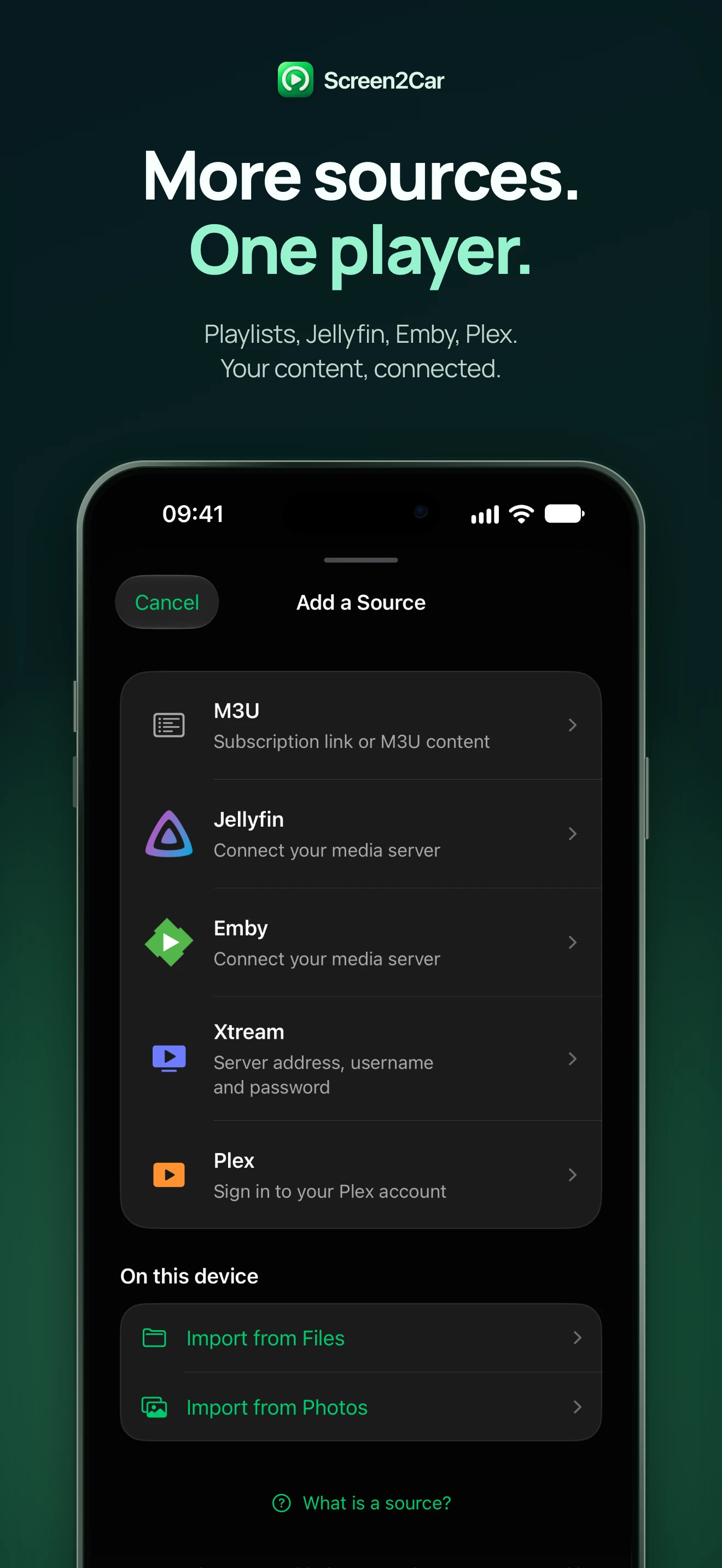
Browse your Jellyfin, Emby or Plex library and return to the content you love.
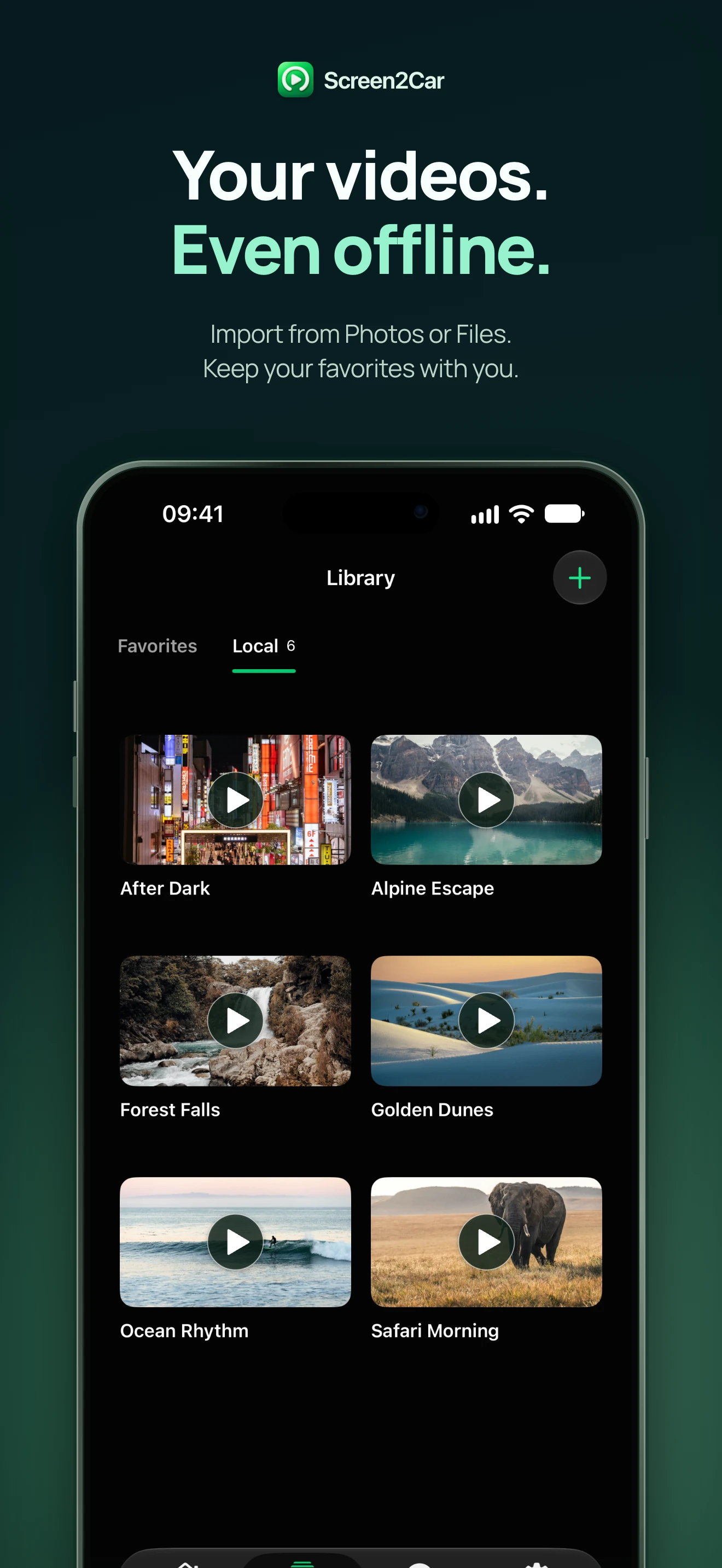
Import videos from Files or Photos. Local copies are ready even when there’s no signal.
Choose available audio tracks, load supported subtitles and resume from your saved playback position.
No Screen2Car account. Local library storage and iOS Keychain protection for media-server credentials.
Screen2Car is a player. Bring your own content and the permission to watch it.
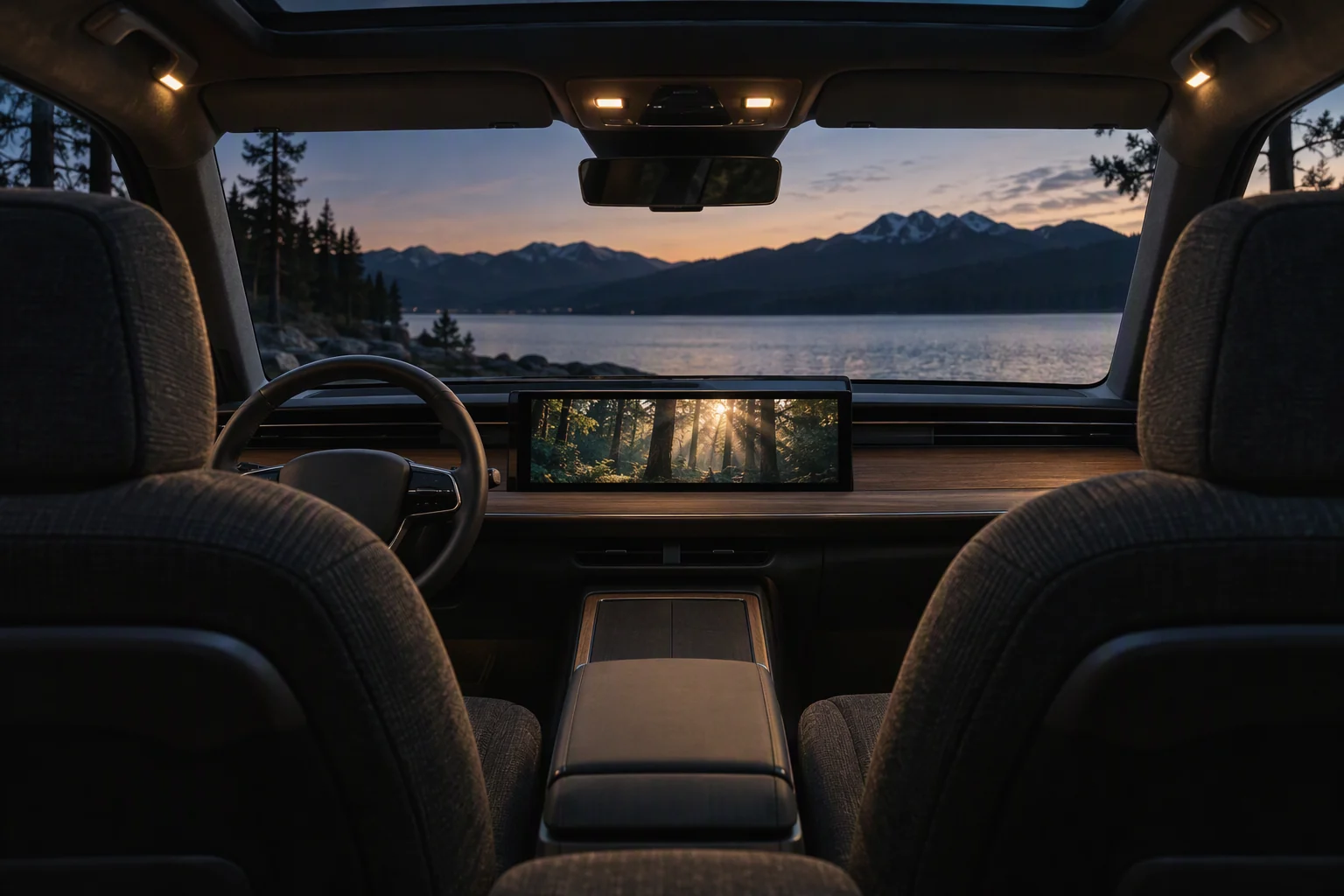
Two ways to share your content. One comfortable place to watch.
Choose Screen2Car from a compatible DLNA / UPnP app on your network.
Start a system screen broadcast to share supported content with a compatible display.
CarPlay video needs a compatible vehicle and display. An audio connection alone does not enable video. Protected content may restrict casting or mirroring.
For parked moments only. Never watch video while driving.
On your iPhone. On your car display.
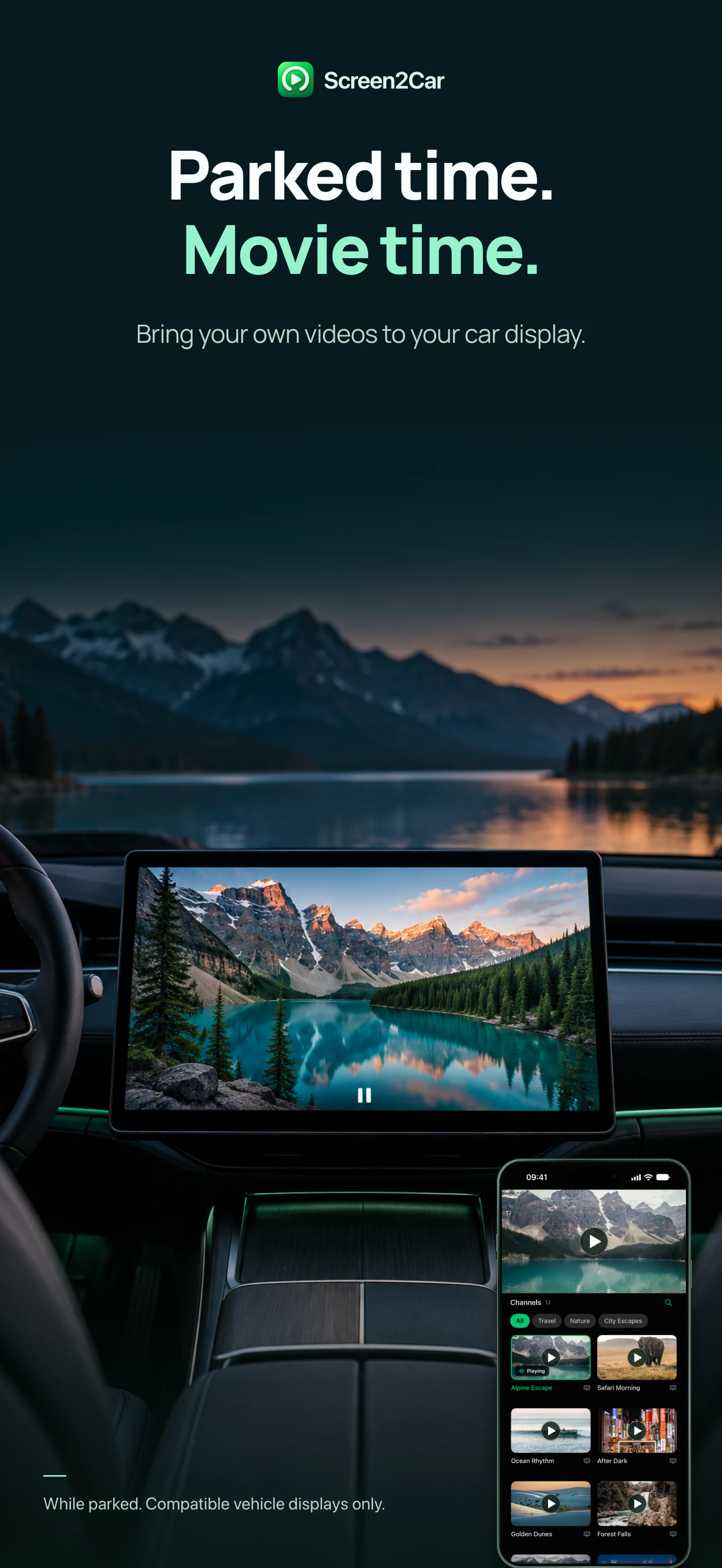
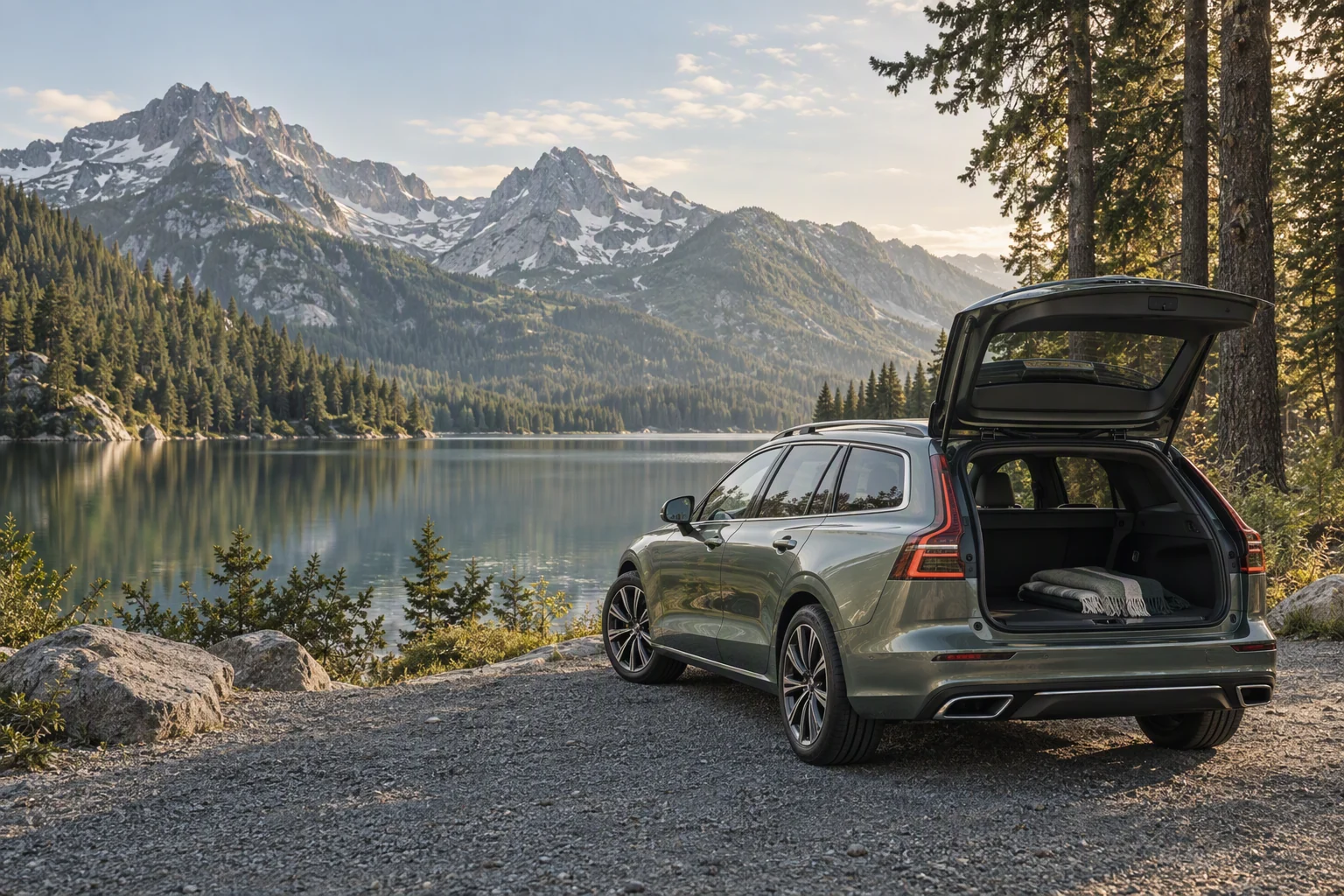
A charging break. A quiet campsite. A film you’ve been meaning to finish. Make parked time your time.
Start with the essentials. Unlock more room for your library and more time on the big screen.
A place to start
More of what you love
Local imports don’t use your network-source allowance. Available plans and regional prices appear in the app. Purchases are handled by Apple.
No. Screen2Car helps you play and organize media; it doesn’t sell, host or bundle a content library. Add your own files, a playlist you’re entitled to use, or a personal media server.
Screen2Car requires iOS 18 or later. Video on a car display also depends on the vehicle, display and system’s video capabilities. A working CarPlay audio connection does not by itself mean the car supports video. Always use video features while parked.
Add an M3U or M3U8 playlist link, scan a supported QR code, connect a media-server account, or import videos from Files or Photos. You’ll need the correct address and any credentials from your own provider.
Videos copied into Screen2Car’s local library can be played offline. Online playlists, remote media servers and web content still need a connection. Check that a video has finished importing before you set off.
Try another item first, then check your network, the source address and your provider’s access limits. Support also depends on encoding and device capabilities. Some services protect their video with DRM and do not allow screen capture or casting.
Library information, favorites and playback progress are stored on your device; media-server credentials use the iOS Keychain. When you connect a source or open a website, it receives the requests needed to provide its content. Read our privacy policy for details.
Privacy policyUse Restore Purchases in the app with the same Apple Account used for the purchase. Access depends on a valid entitlement: subscriptions must remain active, while a lifetime unlock does not renew. Your media provider may separately limit simultaneous streams.
Manage subscriptions through your Apple Account settings. Deleting Screen2Car does not cancel a subscription. The price, billing period and renewal terms shown by Apple at checkout apply.
Screen2Car for iPhone. Your content, your next stop.
Get Screen2Car